Employment letter template: free in Word, or sign it online
Reviewed in October 2026
An employment letter is a signed statement from an employer that confirms a person works there. It usually gives the job title, the start date and, with the employee’s consent, the pay. Landlords, banks, lenders and embassies ask for one.
Ten documents free, no card. Signed by the employer.
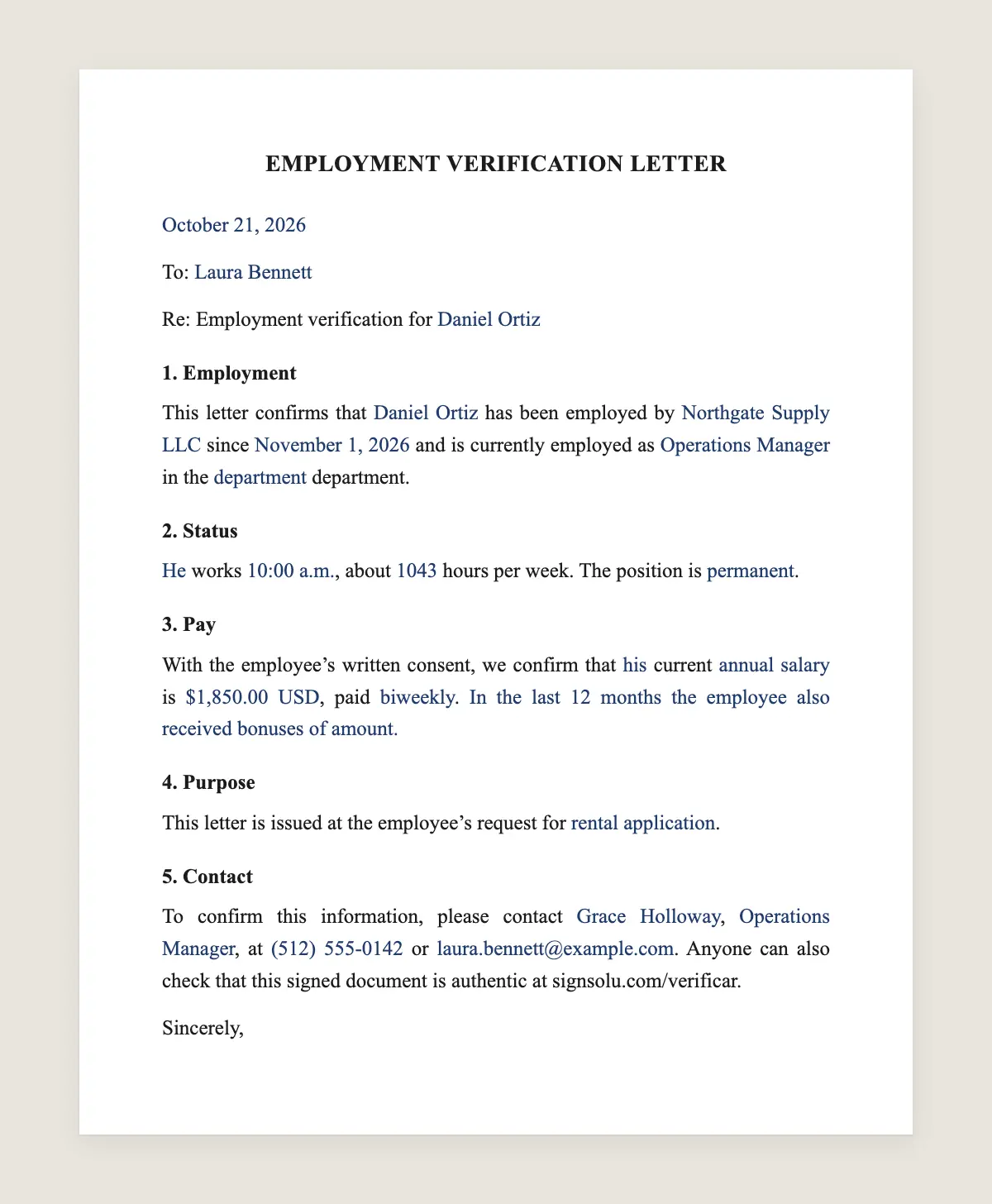
Example filled in with sample data
The full employment letter
EMPLOYMENT VERIFICATION LETTER
[Date]
To: [Name of the recipient or “To whom it may concern”]
Re: Employment verification for [Employee full name]
1. Employment
This letter confirms that [Employee full name] has been employed by [Company name] since [start date] and is currently employed as [job title] in the [department] department.
2. Status
[He / She / They] works [full-time / part-time], about [number] hours per week. The position is [permanent / temporary / seasonal].
3. Pay
With the employee’s written consent, we confirm that [his / her / their] current [annual salary / hourly rate] is [amount] [currency], paid [biweekly]. [Option: In the last 12 months the employee also received bonuses of amount.]
4. Purpose
This letter is issued at the employee’s request for [rental application / loan application / visa application / other].
5. Contact
To confirm this information, please contact [name], [title], at [phone] or [email]. Anyone can also check that this signed document is authentic at signsolu.com/verificar.
Sincerely,
FOR THE EMPLOYER
Signature: ______________________
Name: [full name]
Title: [title]
Company: [Company name]
Date: [date]
What the template includes
Employee name, start date, job title and department
Full-time or part-time and hours per week
Pay, only with the employee’s consent
Purpose of the letter
A contact person to confirm the details
A line to check the signed document online
What you fill in
Field
Example
Date
October 21, 2026
Recipient
Parkview Apartments leasing office
Employee
Jamal Carter
Company
Lakeside Builders, Inc.
Job title
Site supervisor, full-time
Start date
March 2, 2022
Pay
68,000 USD per year
Purpose
Rental application
How it gets signed
1Choose “Use this template”, fill in the fields and read the full employment letter once more.
2Send it by WhatsApp or email. The other party opens the link on their phone without an account.
3They tap the brown bar at the bottom that says “Sign as …” and draw their signature with a finger.
4Everyone gets the signed PDF with its signature certificate. Anyone can check it at signsolu.com/verificar.
Before signing, each signer agrees to sign electronically. The screen links to the electronic signature disclosure the ESIGN Act asks for.
Only the employer signs this letter. Send it to the employee, who forwards the signed PDF to the landlord, bank or embassy.
Your first ten documents are free and need no card.
No federal law makes employers issue employment letters. Many do it as a service to their staff. Some states require employers to confirm certain details, such as dates of employment, when an employee asks.
Pay is personal data. Share it only with the employee’s written consent, as clause 3 says. A short email from the employee asking for the letter works as consent.
The ESIGN Act gives the electronic signature on the letter the same effect as ink. The certificate shows who signed it and when.
Who asks for an employment letter
Landlords. They check income before signing a lease.
Banks and lenders. They confirm stable income for mortgages, car loans and credit cards.
Embassies and consulates. They want proof the traveler has a job to return to.
Other employers. They confirm past work during a hiring process.
Government programs. Some benefits and child care programs ask for proof of work.
What to include and what to leave out
Keep it short and factual. Confirm what the recipient needs and nothing more. Do not comment on performance, health or personal matters.
If the recipient only needs dates and title, delete clause 3. Pay goes in only when the employee asks for it.
Why a signed PDF beats a letter on letterhead
Letters on letterhead are easy to fake, and landlords know it. A signed PDF with a certificate shows who signed and when. The recipient can check it at signsolu.com/verificar.
That saves calls to your HR team. Fewer recipients need to phone to confirm the letter is real.
A worked example
Jamal applies for an apartment. The leasing office asks for proof of income. He emails HR and asks for a letter with his salary.
HR fills in the template with his title, start date and pay, then signs it from a laptop. Jamal gets the signed PDF in minutes and forwards it to the leasing office.
Letters for former employees
You can confirm past employment too. Change clause 1 to say the person was employed from the start date to the end date. Leave out current pay.
Handling many requests
Larger employers get several requests a week. Save the template with your company data filled in. Each new letter then takes only the employee’s details and a signature.
Letters for visa and travel applications
Embassies want more than a job title. They often ask for the approved leave dates and confirmation that the job continues after the trip.
Add a line to clause 4, such as “The employee has approved leave from December 15 to January 5 and will return to work on January 6.” Sign it and send the PDF.
Letters for mortgage and loan applications
Lenders usually ask for start date, title, pay and whether the job is permanent. Some send their own form. If they do, fill in theirs and keep this letter for other requests.
Lenders may call to confirm. Name a contact who answers quickly in clause 5.
What not to put in an employment letter
Health information or leave reasons.
Performance reviews or discipline.
Opinions about the person’s character.
Promises about future employment or raises.
A short factual letter protects the company and the employee.
Sample lines for common requests
Only dates and title: “Jamal Carter has worked at Lakeside Builders since March 2, 2022, as Site Supervisor.”
Former employee: “Jamal Carter worked at Lakeside Builders from March 2, 2022, to June 30, 2026, as Site Supervisor.”
Leave for travel: “The employee has approved leave from December 15 to January 5 and returns to work on January 6.”
Hourly worker: “The employee earns 28 USD per hour and works an average of 38 hours per week.”
Probation: “The employee joined on September 1, 2026, and is in the introductory period, which ends on November 30.”
Pick the lines that answer the recipient’s question. Delete the rest so the letter stays short.
How long the letter stays valid
Most landlords and lenders want a letter dated within the last 30 to 60 days. Date each letter on the day you sign it and issue a new one when asked.
Checklist before you sign
1The name matches the employee’s ID.
2The title and start date match your payroll records.
3You have the employee’s consent if the letter shows pay.
4The contact in clause 5 can answer calls this week.
5The date on the letter is today.
Then sign and send the PDF to the employee. Keep a copy in the employee file with the request.
If the employee needs letters often, such as for a long visa process, keep the filled-in template in your account. Each new letter then takes a minute and carries a fresh date and signature.
Is an employment letter signed online legally binding?
Yes. The ESIGN Act gives an electronic signature the same legal effect as a handwritten one. The signed PDF and its certificate show who signed the employment letter, when and from which device.
Who should sign an employment letter?
A manager, HR or an owner who can confirm the details. Write their title under the signature.
Can I download the employment letter in Word?
Yes. “Download in Word” gives you the full employment letter with no email and no account. You can print it or edit it and sign it here later.
Can I include the salary?
Yes, with the employee’s written consent. Otherwise confirm only the title and dates.
Is an employment letter the same as a reference letter?
No. An employment letter confirms facts. A reference letter gives an opinion about the person’s work.
How fast can I send it?
In minutes. Fill in the template, sign it and send the signed PDF to the employee.
Can an employee write the letter and have the employer sign it?
Yes, but the employer must check every fact before signing. The signature confirms the content.