SignSolú

Nanny contract template: free in Word, or sign it online

Reviewed in October 2026

A nanny contract is the work agreement between a family and the nanny who cares for their children. It sets the schedule, pay, overtime, duties, paid time off and house rules. In the United States a nanny is usually the family's household employee, with tax duties for the family.

Ten documents free, no card. Signed by the parents and the nanny.

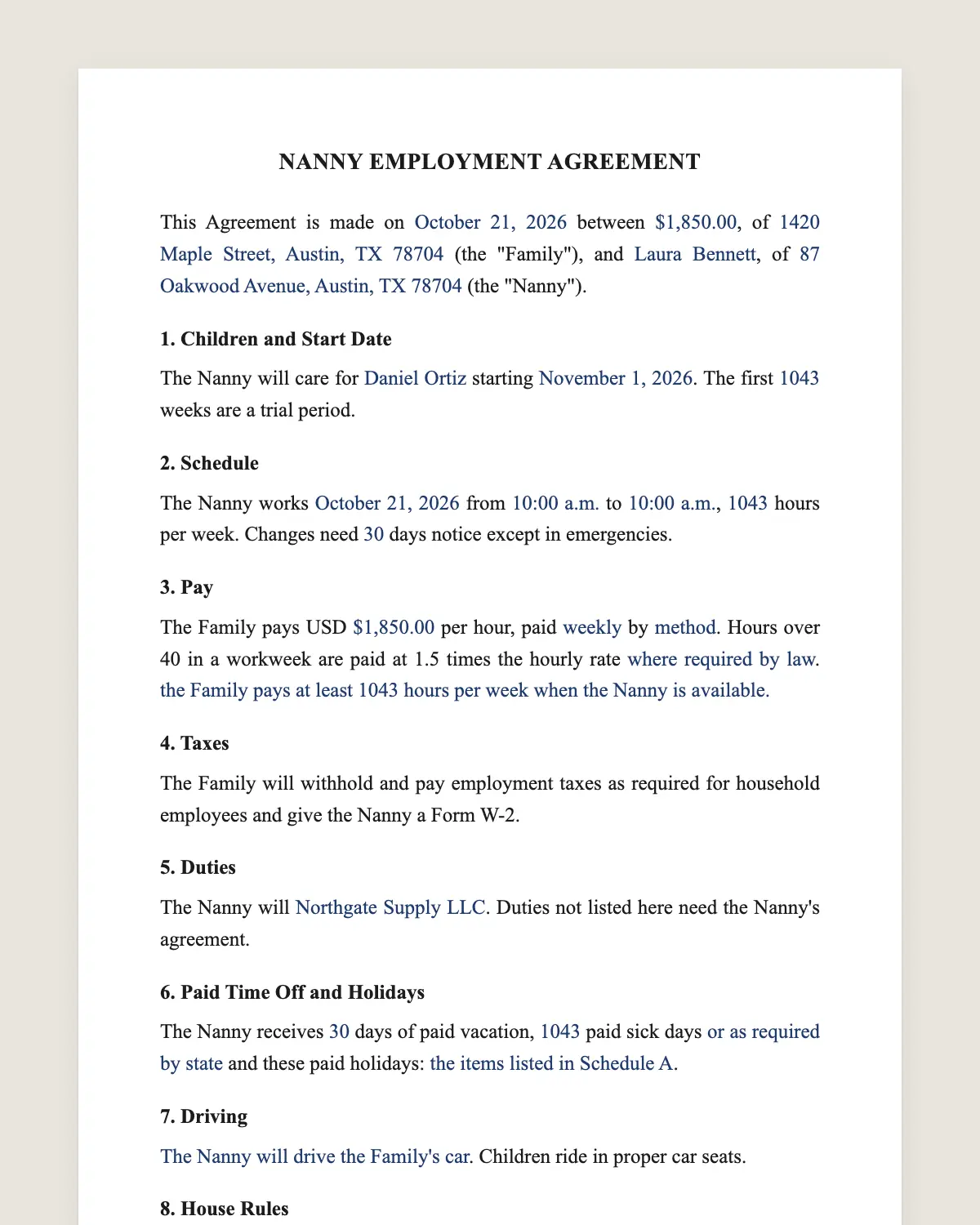
Nanny contract example, filled in with sample data
Example filled in with sample data

The full nanny contract

NANNY EMPLOYMENT AGREEMENT

This Agreement is made on [date] between [parent names], of [address] (the "Family"), and [nanny full name], of [address] (the "Nanny").

1. Children and Start Date

The Nanny will care for [children's names and ages] starting [start date]. The first [number] weeks are a trial period.

2. Schedule

The Nanny works [days] from [start time] to [end time], [number] hours per week. Changes need [number] days notice except in emergencies.

3. Pay

The Family pays USD [amount] per hour, paid [weekly / every two weeks] by [method]. Hours over 40 in a workweek are paid at 1.5 times the hourly rate [where required by law]. [Guaranteed hours: the Family pays at least [number] hours per week when the Nanny is available.]

4. Taxes

The Family will withhold and pay employment taxes as required for household employees and give the Nanny a Form W-2.

5. Duties

The Nanny will [supervise and play with the children, prepare meals and snacks, do children's laundry, drive to school and activities, help with homework, keep children's areas tidy]. Duties not listed here need the Nanny's agreement.

6. Paid Time Off and Holidays

The Nanny receives [number] days of paid vacation, [number] paid sick days [or as required by state or city law] and these paid holidays: [list].

7. Driving

[The Nanny will drive the Family's car / the Nanny's own car, reimbursed at USD [rate] per mile]. Children ride in proper car seats.

8. House Rules

Screen time: [rule]. Food and allergies: [rule]. Discipline: [approach]. Visitors: [rule]. Social media: no photos of the children without the Family's consent.

9. Confidentiality

The Nanny will keep private information about the Family confidential.

10. 9A. Reviews and Raises

The Family and the Nanny will review this Agreement every [12] months, on or near [date], to discuss pay, schedule and duties. [Other benefits: health insurance stipend of USD [amount] per month / transit pass / none.]

11. Ending the Agreement

Either party may end this Agreement with [number] weeks notice, or the Family may pay [number] weeks of pay instead of notice. Either party may end it immediately for serious misconduct.

12. Governing Law and Signatures

This Agreement is governed by the laws of the State of [state]. The parties agree to sign it electronically.

Parent

Name: [name]

Signature: ______________

Date: [date]

Nanny

Name: [name]

Signature: ______________

Date: [date]

What the template includes

  • Family, nanny and children
  • Start date and trial period
  • Weekly schedule and changes
  • Hourly pay, overtime and guaranteed hours
  • Taxes and Form W-2
  • Duties
  • Paid vacation, sick days and holidays
  • Driving and car seats
  • House rules, screen time and photos
  • Confidentiality
  • Notice to end the agreement

What you fill in

FieldExample
FamilyAnna and Peter Goldberg
NannyRosa Jimenez
ChildrenEli, 3, and Maya, 1
ScheduleMonday to Friday, 8 am to 6 pm, 50 hours
PayUSD 25 an hour, overtime after 40 hours
Guaranteed hours45 a week
Paid time off10 vacation days, 5 sick days, 8 holidays
Notice2 weeks

How it gets signed

  1. 1Choose «Use this template», fill in the fields and review the full nanny contract.
  2. 2Send it by WhatsApp or email. The other party opens the link on their phone without an account.
  3. 3They tap the brown bar at the bottom that says «Sign as …» and draw their signature once.
  4. 4Everyone gets the signed PDF with its signature certificate. Anyone can check it at signsolu.com/verificar.

The signing screen tells each signer that signing means agreeing to sign electronically. It links to the electronic signature disclosure that the ESIGN Act asks for.

What you get once everyone signs

  • The signed PDF. The final nanny contract with every drawn signature in place.
  • The signature certificate. It lists each signer and the date and time of each signature.
  • A record you can check. The folio on the certificate opens the document history at signsolu.com/verificar.
  • Reminders. Turn them on and SignSolú reminds every signer who has not signed yet.

Your first ten documents are free and need no card.

What the law says

A nanny is usually a household employee, not a contractor. The IRS explains the family's duties in Topic 756 and Publication 926: above a yearly wage threshold, the family withholds and pays Social Security and Medicare taxes and issues a Form W-2.

Federal law requires overtime for most live-out domestic workers who work over 40 hours in a week. Several states also have a domestic workers' bill of rights with more protections.

State and city laws may add minimum wage, paid sick leave and rest rules. Check your state labor department.

The ESIGN Act, 15 U.S.C. 7001 gives an electronic signature the same legal effect as one on paper. A contract cannot be denied effect only because it was signed electronically.

Why families and nannies sign a contract

Misunderstandings about hours, duties and pay end good nanny relationships. A contract sets them from day one.

Nannies also benefit. Guaranteed hours and paid time off give a stable income.

Guaranteed hours

Families travel and plans change. Guaranteed hours mean the nanny is paid even when the family does not need care that week.

It is the most common term in professional nanny contracts. It keeps good nannies from looking for other work.

Taxes for household employers

Paying a nanny «on the books» protects both sides. The nanny builds Social Security credits, and the family can use tax benefits for childcare.

Families usually need an employer identification number, a Form W-2 for the nanny and Schedule H with their tax return. A payroll service can handle it.

Nanny share

Two families can share one nanny. Each family signs a contract with the nanny and a separate agreement between the families.

Write the location of care, how costs are split and what happens when one family leaves.

Common mistakes

Treating the nanny as a contractor. The IRS usually sees a nanny as a household employee.

No overtime. Long days add up fast. Count hours each week.

Adding housework without asking. Duties not in clause 5 need the nanny's agreement and may need more pay.

No written raise policy. Agree on a yearly review date in the contract. It saves an awkward conversation later.

The first weeks with a new nanny

Use the trial period in clause 1 to check the fit. Talk at the end of each week about what is working.

Write down routines, emergency contacts, allergies and the pediatrician. A one-page sheet on the fridge helps on day one.

Sign a medical consent form so the nanny can get care for the children in an emergency. Send it with the contract.

Before you sign

Other templates

Frequently asked questions

Is a nanny contract signed online legally binding?

Yes. The ESIGN Act gives electronic signatures the same effect as handwritten ones. The signed PDF and its certificate show who signed and when.

Is a nanny an employee or a contractor?

Usually an employee of the family. The IRS calls this a household employee.

Do nannies get overtime?

Most live-out nannies do after 40 hours a week under federal law. Some states add more rules.

Can I use this for a babysitter?

Yes, for regular babysitting. Remove the terms that do not apply, such as paid holidays.

What are guaranteed hours?

A weekly minimum the family pays when the nanny is available, even if care is not needed.

Should a live-in nanny sign a different contract?

Use this one and add room and board terms. Overtime and hour rules for live-in nannies differ, so check your state.

Does the other party need a SignSolú account?

No. They open the link on their phone and sign with the brown bar at the bottom.

Can I edit the clauses before sending it?

Yes. After «Use this template» you can change any clause before you send it.

See also

Create a free account and send 10 documents