SignSolú

Daycare contract template: free in Word, or sign it online

Reviewed in October 2026

A daycare contract is the agreement between a child care provider and the parents. It sets the schedule, the rate, late pickup fees, who may pick up the child, sick-child rules and how either side ends care. Home daycares and centers use it at enrollment.

Ten documents free, no card. Signed by the provider and each parent.

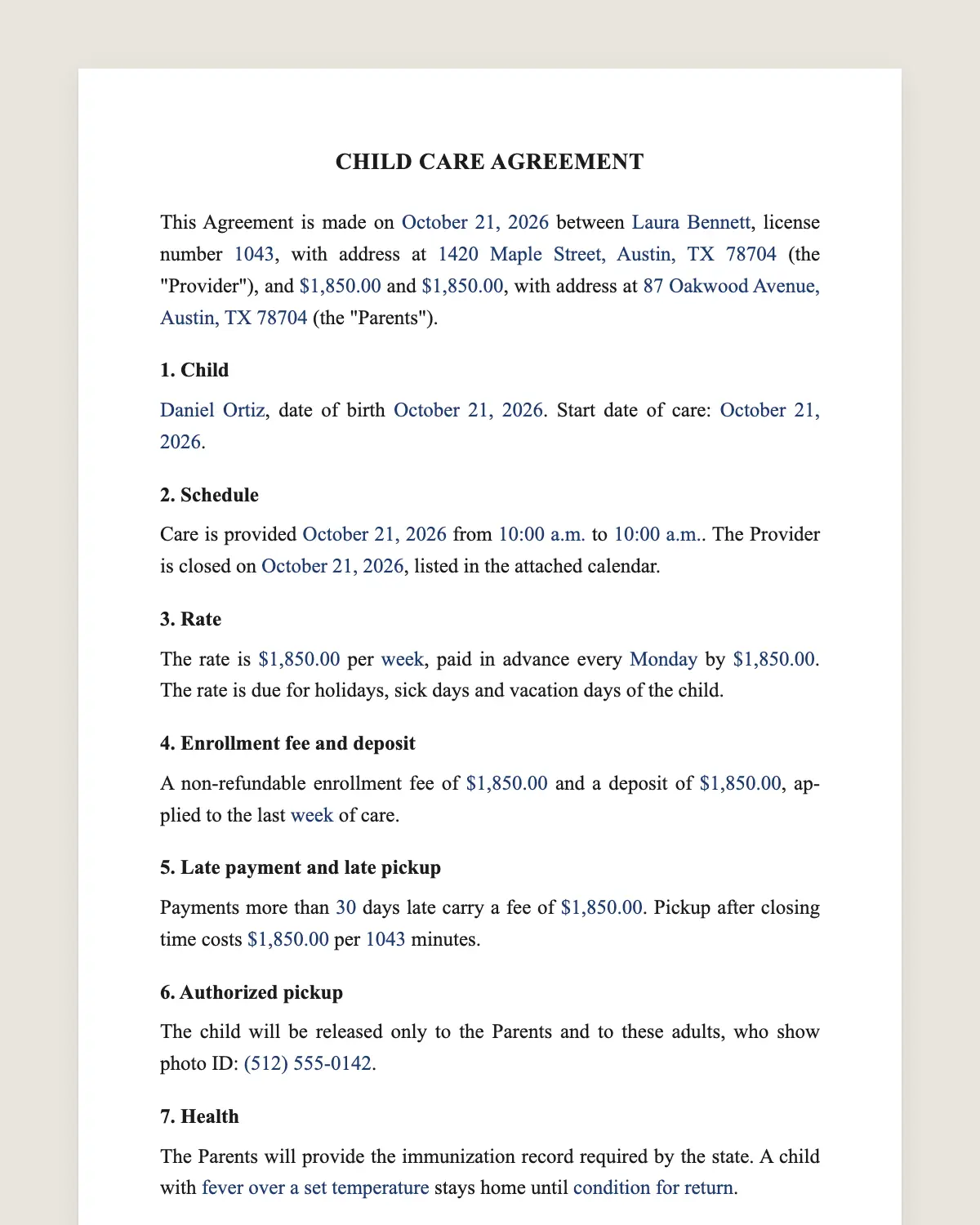
Daycare contract example, filled in with sample data
Example filled in with sample data

The full daycare contract

CHILD CARE AGREEMENT

This Agreement is made on [date] between [Provider name or center], license number [number], with address at [address] (the "Provider"), and [Parent 1 name] and [Parent 2 name], with address at [address] (the "Parents").

1. Child

[Child full name], date of birth [date]. Start date of care: [date].

2. Schedule

Care is provided [days of the week] from [opening time] to [closing time]. The Provider is closed on [holidays and closure days], listed in the attached calendar.

3. Rate

The rate is [amount] per [week or month], paid in advance every [Monday or first of the month] by [payment method]. The rate is due for holidays, sick days and vacation days of the child.

4. Enrollment fee and deposit

A non-refundable enrollment fee of [amount] and a deposit of [amount], applied to the last [week or month] of care.

5. Late payment and late pickup

Payments more than [number] days late carry a fee of [amount]. Pickup after closing time costs [amount] per [number] minutes.

6. Authorized pickup

The child will be released only to the Parents and to these adults, who show photo ID: [names, relationship and phone].

7. Health

The Parents will provide the immunization record required by the state. A child with [fever over a set temperature, vomiting, diarrhea or a contagious condition] stays home until [condition for return].

8. Medication

The Provider gives medication only with written permission from the Parents, in the original container and as labeled.

9. Meals

The Provider supplies [meals and snacks provided]. The Parents supply [formula, special diets]. Allergies: [allergies].

10. Emergencies

In an emergency, the Provider will call 911 and then the Parents. The Parents authorize emergency treatment if they cannot be reached. Emergency contact: [name and phone].

11. Photos

[ ] The Parents allow photos of the child in daily updates to the family. [ ] Photos may be shared on the Provider's social media.

12. Termination

Either side may end this Agreement with [number] weeks of written notice. The Provider may end it at once for non-payment or conduct that puts other children at risk.

13. Governing law and signature

This Agreement is governed by the laws of [state]. The parties agree to sign it electronically, with the same effect as a handwritten signature.

Provider

Name: ______________

Date: ______________

Parent signatures

Names: ______________

Date: ______________

What the template includes

  • Provider license, parents and child
  • Days, hours and closures
  • Weekly or monthly rate paid in advance
  • Enrollment fee and deposit
  • Late payment and late pickup fees
  • Authorized pickup list with ID
  • Immunizations and sick-child rules
  • Medication with written permission
  • Meals and allergies
  • Emergency plan and contact
  • Photo permissions
  • Notice to end care, governing law and electronic signature

What you fill in

FieldExample
ProviderLittle Acorns Home Daycare
ParentsJordan and Taylor Brooks
ChildAva Brooks, born August 2, 2024
ScheduleMonday to Friday, 7:30 am to 5:30 pm
RateUSD 285 per week
Enrollment feeUSD 75
Late pickupUSD 1 per minute after 5:30 pm
Authorized pickupGrandmother, Linda Brooks
Notice to end2 weeks

How it gets signed

  1. 1Choose «Use this template», fill in the fields and review the full daycare contract.
  2. 2Send it by WhatsApp or email. The other party opens the link on their phone without an account.
  3. 3They tap the brown bar at the bottom that says «Sign as …» and draw their signature once.
  4. 4Everyone gets the signed PDF with its signature certificate. Anyone can check it at signsolu.com/verificar.

The signing screen tells each signer that signing means agreeing to sign electronically. It links to the electronic signature disclosure that the ESIGN Act asks for.

Both parents sign from their own phones. The provider signs last and sends the signed PDF to the family.

What you get once everyone signs

  • The signed PDF. The final daycare contract with every drawn signature in place.
  • The signature certificate. It lists each signer and the date and time of each signature.
  • A record you can check. The folio on the certificate opens the document history at signsolu.com/verificar.
  • Reminders. Turn them on and SignSolú reminds every signer who has not signed yet.

Your first ten documents are free and need no card.

What the law says

Each state sets its own licensing, ratio, health and safety rules for child care. Which home daycares need a license also depends on the state.

The state's rules come first. The contract adds the business terms between provider and parents, such as rates and notice.

The ESIGN Act, 15 U.S.C. 7001 gives an electronic signature the same legal effect as one on paper. A contract cannot be denied effect only because it was signed electronically.

Why the rate is due on sick days

A daycare holds a spot for each child. Staff and rent cost the same whether the child comes or not.

Clause 3 explains this up front. Parents who know the rule before they sign rarely argue about it later.

Some providers give one or two free vacation weeks a year. If you do, write them in clause 3 with the notice parents must give.

Pickup safety

The authorized pickup list is the most important line in the contract. Staff check it every afternoon.

Ask for photo ID the first time someone new comes. Parents can add or remove names in writing at any time.

Keep a copy of any court order that limits a parent's contact. Staff need to know before that day, not during it.

Enrollment in one evening

Send the contract with the enrollment forms and the closure calendar. Parents read them at home and sign from their phones.

You receive every signed document with a certificate. The child starts with a complete file on day one.

Example of a home daycare enrollment

A home daycare enrolls a two-year-old for five days a week at USD 285. The parents pay a USD 75 enrollment fee and the first week in advance.

Grandmother Linda is on the pickup list. The child has a peanut allergy, written in clause 9 and on the kitchen chart.

Common mistakes

No closure calendar. Attach it, so holidays are not a surprise.

Vague sick rules. Write the temperature and the symptoms that keep a child home.

Verbal pickup changes. Accept new names only in writing.

Rate increases

Rates usually change once a year. Give parents written notice a month ahead and send a short amendment for signature.

A signed amendment keeps the file current and avoids disputes at the next payment.

Holidays and closures

Attach the closure calendar for the year at enrollment. Parents plan backup care for those days well in advance.

If you close for an emergency, such as a storm, tell families how they will hear and whether the rate changes.

Families appreciate a heads-up by text and email the night before.

Before you sign

Other templates

Frequently asked questions

Is a daycare contract signed online legally binding?

Yes. The ESIGN Act gives electronic signatures the same effect as handwritten ones. The signed PDF and its certificate show who signed and when.

Do both parents need to sign?

It is better when both do. Each parent signs from their own phone.

Can I attach my handbook?

Yes. Upload it with the contract and ask parents to acknowledge it in the same request.

Is the enrollment fee refundable?

Not under this template. It covers the cost of holding the spot and setting up the file.

How much notice should parents give to leave?

Two to four weeks is common. Write the number in clause 12.

Can I enroll siblings in one contract?

Yes. List each child in clause 1 with their own rate if it differs.

Does the other party need a SignSolú account?

No. They open the link on their phone and sign with the brown bar at the bottom.

Can I edit the clauses before sending it?

Yes. After «Use this template» you can change any clause before you send it.

See also

Create a free account and send 10 documents